Write in Google Docs. Publish a website.
Nocode turns a folder of Google Docs into a fast, well-set website. Keep writing where you already write; when a doc changes, publish and the site follows.
Free for one site. No card needed.

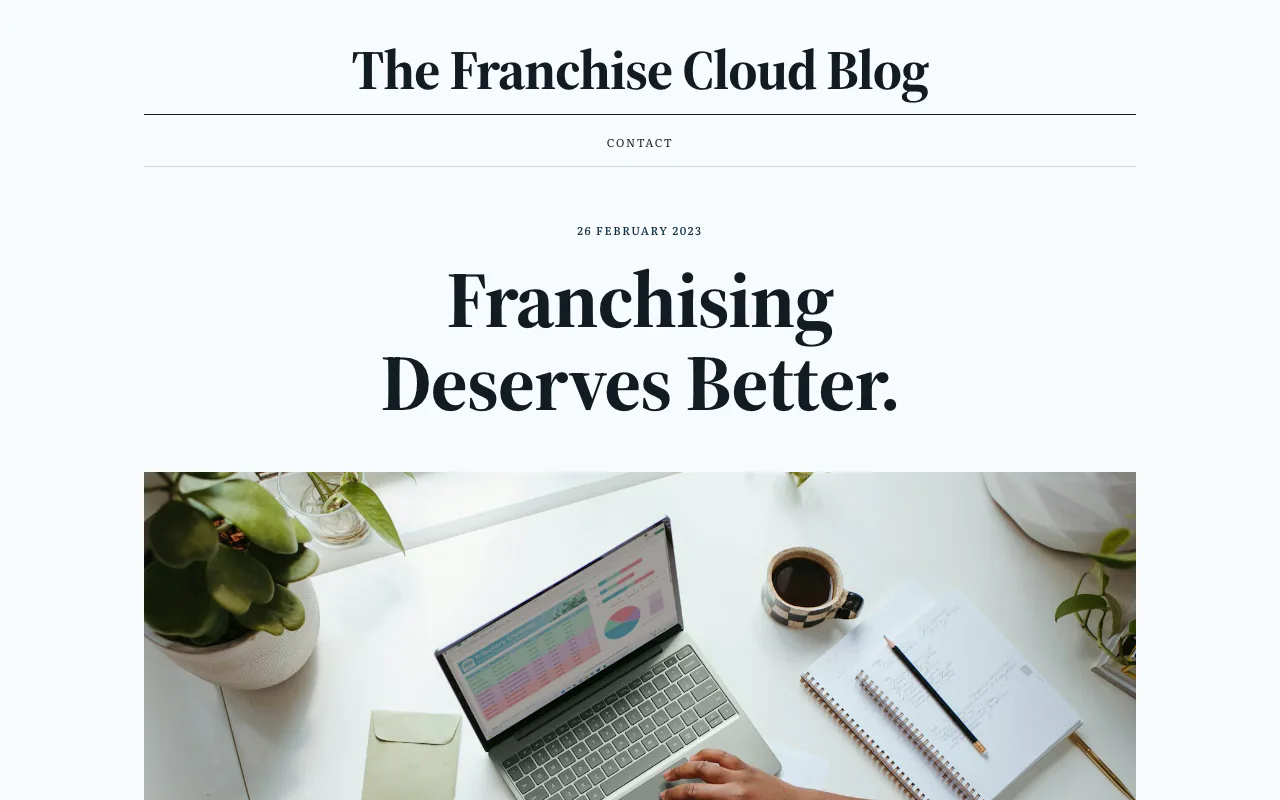
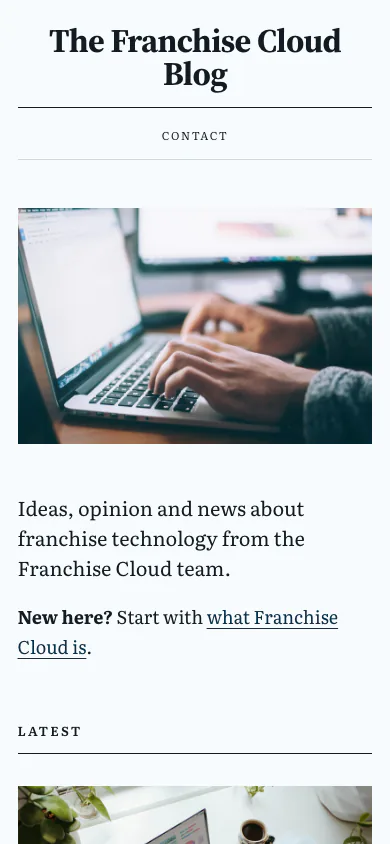
How it works
Your Drive folder is the website. Nothing to install and no editor to learn.
Pick a Drive folder
Sign in with Google and choose the folder that holds your docs. Nocode gets read-only access: it cannot change or delete anything.
Choose a template
Six templates, each with its own typefaces. Pick a colour and the whole site is tinted to match, with text that stays readable.
Preview, then publish
Check the preview, then publish. When you edit a doc, publish again and the site catches up.
Folders are sections, docs are pages
| In your Drive | On your site |
|---|---|
Home (doc) | The front page |
About (doc) | A page called About |
Blog (folder) | A section, with a page that lists what is in it |
First post (doc in Blog) | A page in that section |
topbar (folder) | The menu at the top: the docs and folders you put in it |
footer (folder) | The links at the foot of every page |
Six templates, each with one idea
Every template ships its own typefaces with your site and takes on your colour.
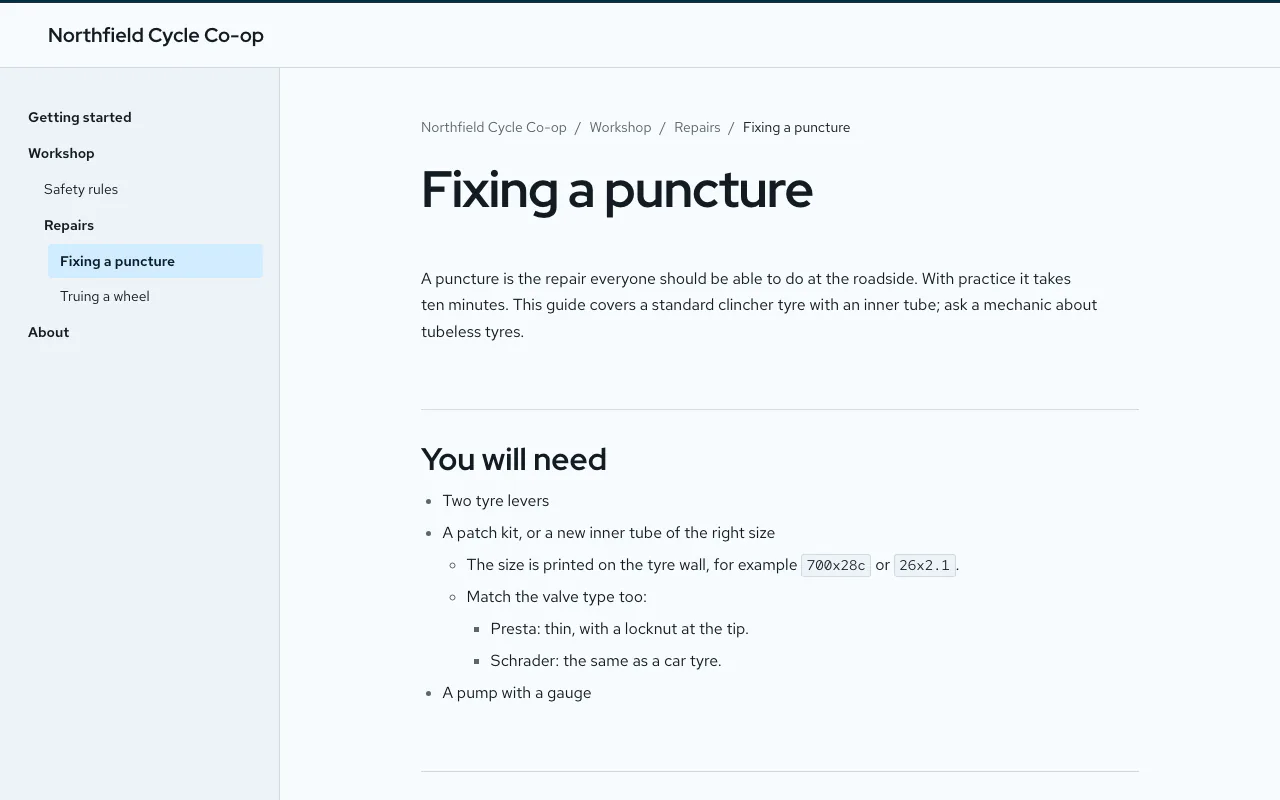
Standard
Documentation with a sidebar
Red Hat Display + Red Hat Text
Blog
Editorial posts with images and dates
Source Serif 4 + Literata
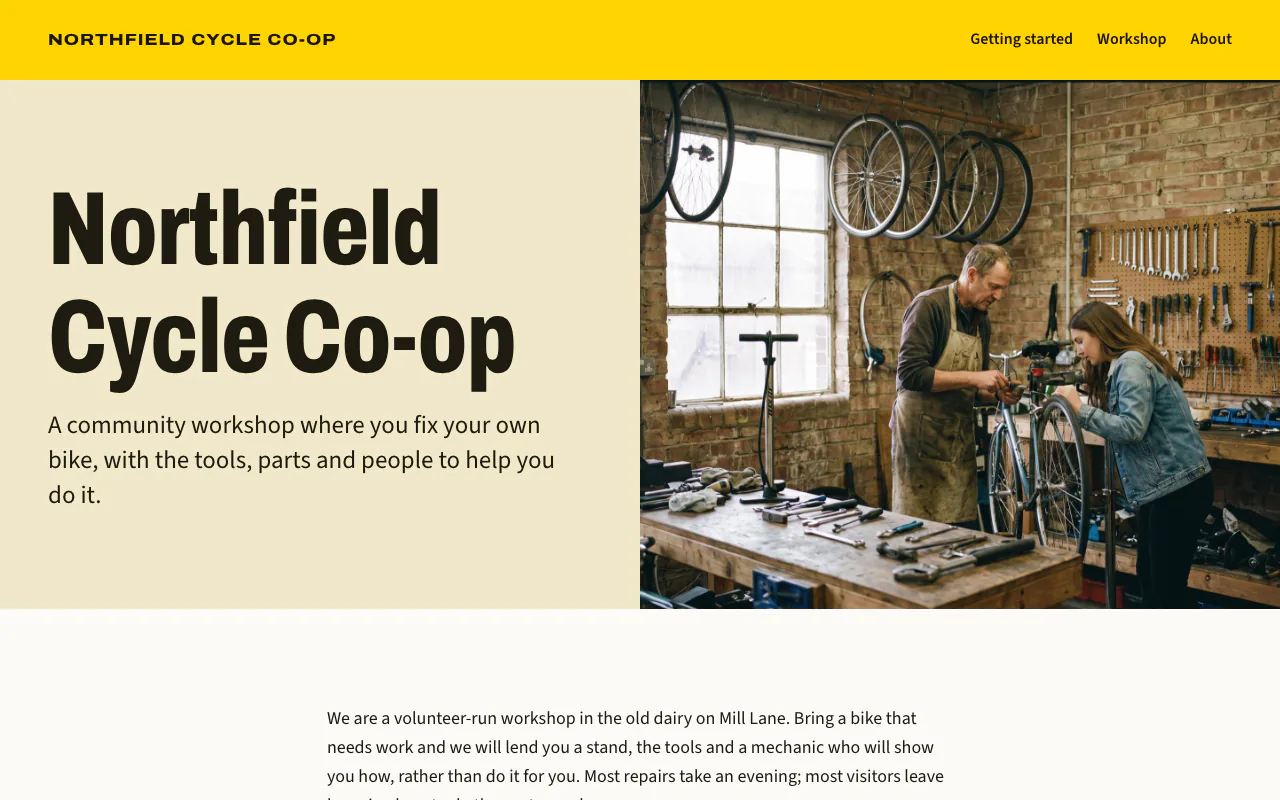
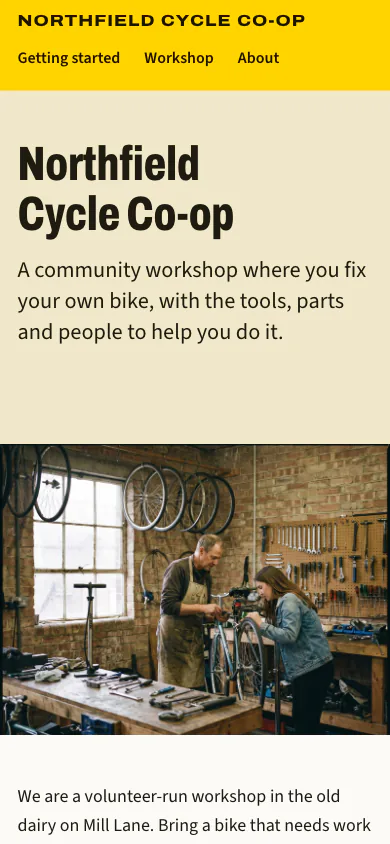
Business
Bold first screen for a company
Archivo + Source Sans 3
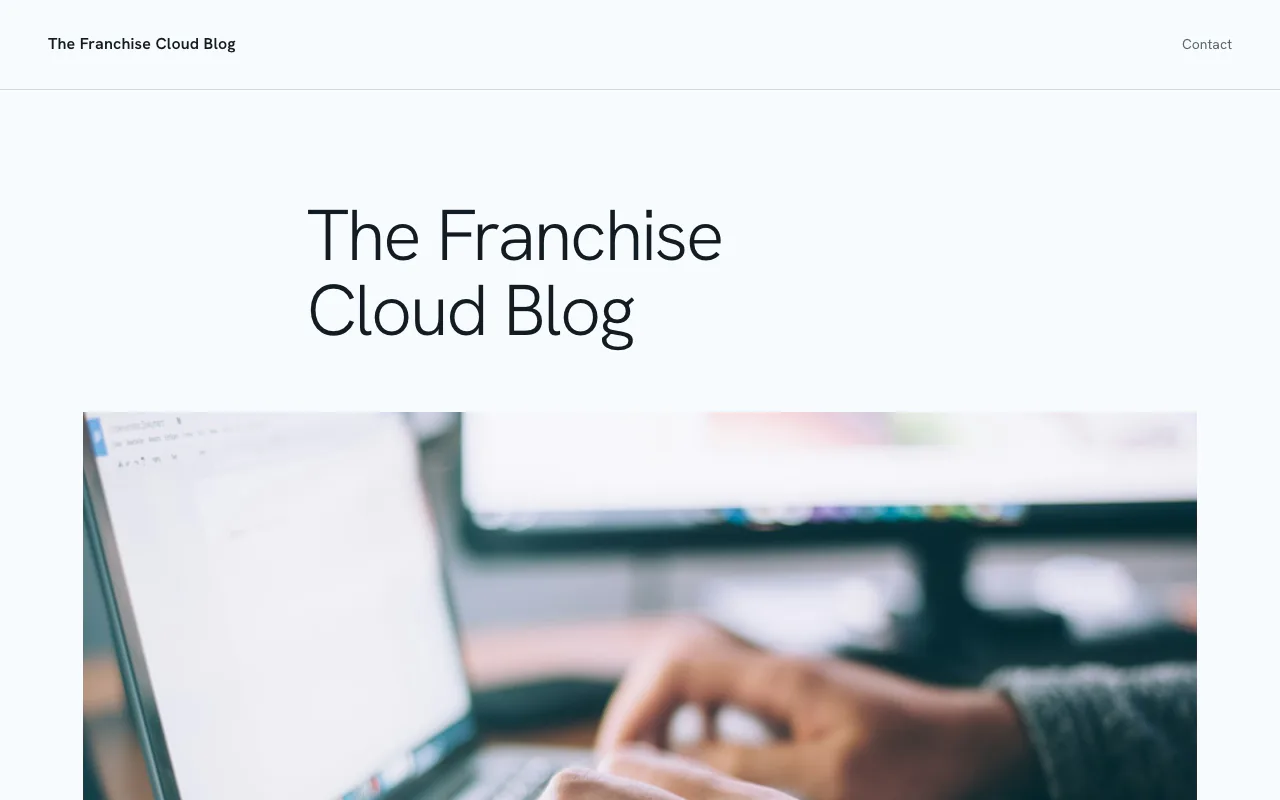
Minimal
Quiet and spare
Hanken Grotesk
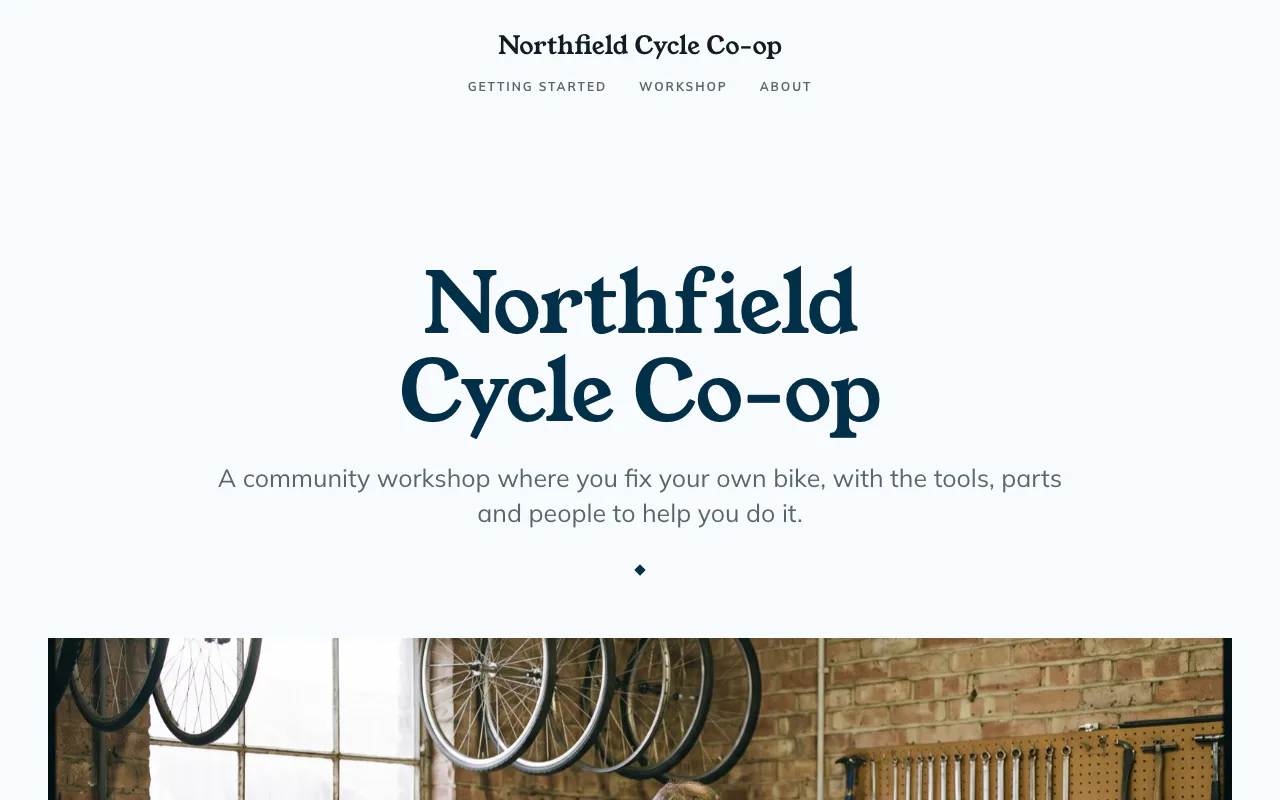
Central
One centred statement
Young Serif + Mulish
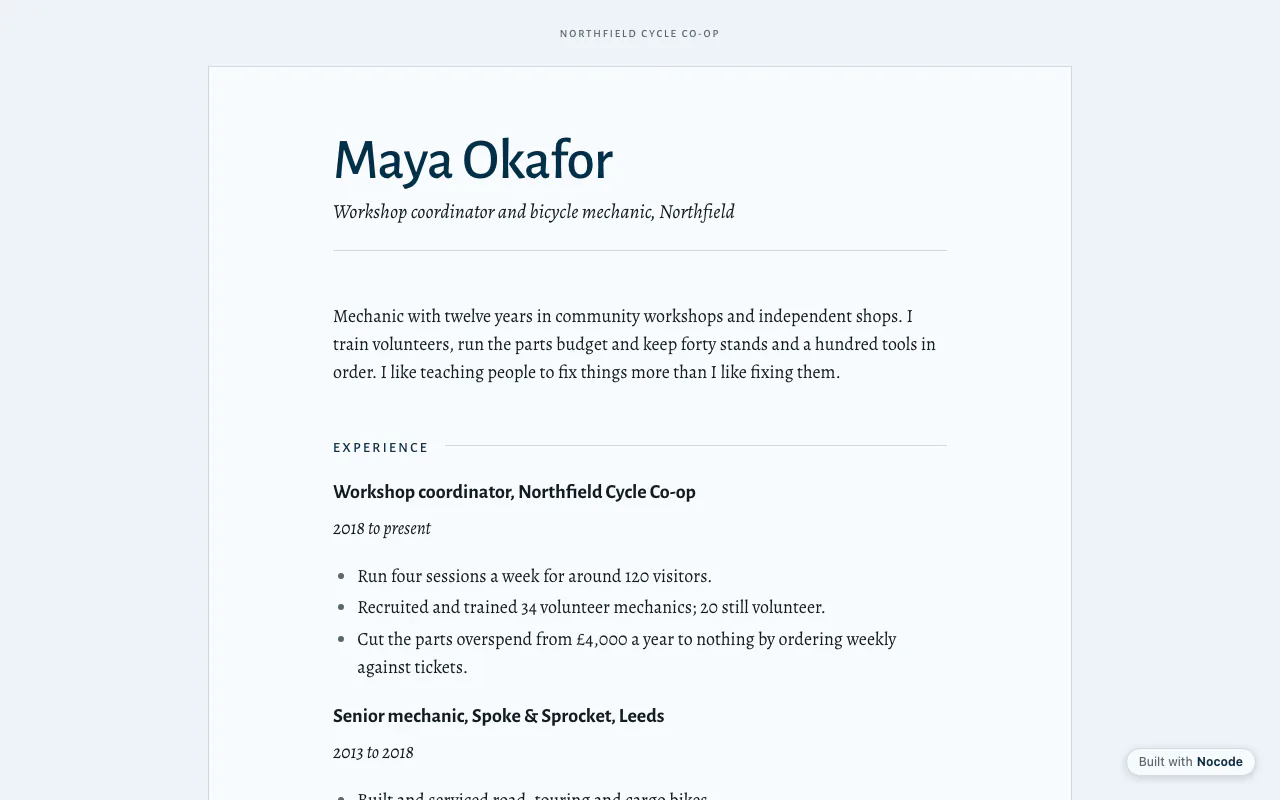
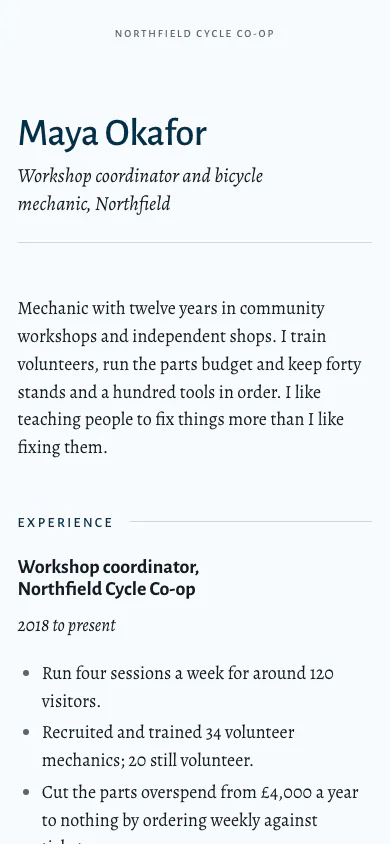
CV
A printed CV or résumé
Alegreya Sans + Alegreya
What your site gets
Built from your docs every time you publish.
- Your own address
- Every site gets name.nocode.works. On a paid plan, add your own domain and Nocode sets up HTTPS for it.
- Pictures from your docs
- A doc that opens with a picture shows it as the page’s hero, and the first large picture in each doc becomes its thumbnail in lists.
- A blog that looks like one
- Folders can list their docs as posts, newest first, with a date, a thumbnail and the opening lines.
- Video
- Paste a YouTube link on a line of its own and it becomes a player on the page.
- Ready to be found and shared
- Page titles and descriptions, and the tags that social sites and chat apps read to show a preview of the link.
- Your analytics
- Add Google Analytics, Tag Manager or a Facebook Pixel by ID, or paste in your own code.
Fast and safe, plainly
Your site is static pages and its own font files, served over HTTPS. There are no plugins, and no Nocode script runs in your visitors’ browsers. The only code on the page is tracking you choose to add.
Nocode asks Google for read-only access to your Drive. It reads the folder you pick for each site, and it cannot change or delete a document.
Every template is built for phones first, then widened for bigger screens.
“It took us just under a day to transfer our product documentation that we had already written in a few different places to Google Documents. From there it took us couple of hours to tweak a few of the settings in Nocode and we were done. We had already spent a few weeks on this project before discovering Nocode, the speed we have been able to complete this is Astonishing!”
Your docs are already written.
Free for one site. $10 a month or $149 once for as many as you like, on your own domains.